One window
Start, stop, restart. Live console. Properties that write. Commands + encyclopedia. Modrinth queue with hash confirm.
Minecraft Server Control Center
A native Windows room for a local Java server. Console, properties, commands, and mods in one window. No installer. No Node. Double-click launch.bat.
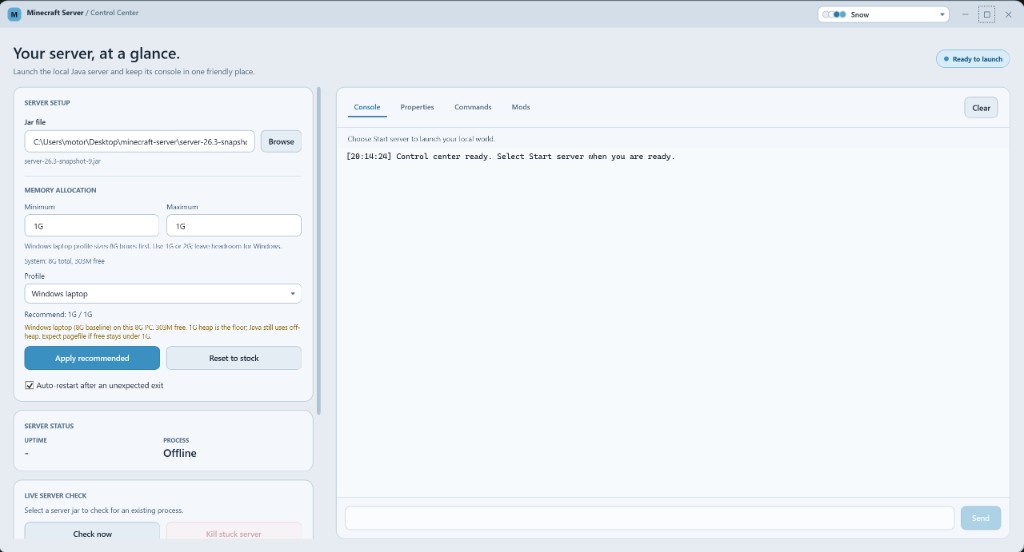
Start, stop, restart. Live console. Properties that write. Commands + encyclopedia. Modrinth queue with hash confirm.
A laptop is not a VPS. The advisor caps heap so Windows still has room. Apply recommended, or reset to 2G / 4G.
Snow to Nether to Glass. Grouped gallery, not a name dump. Chrome follows the theme.